

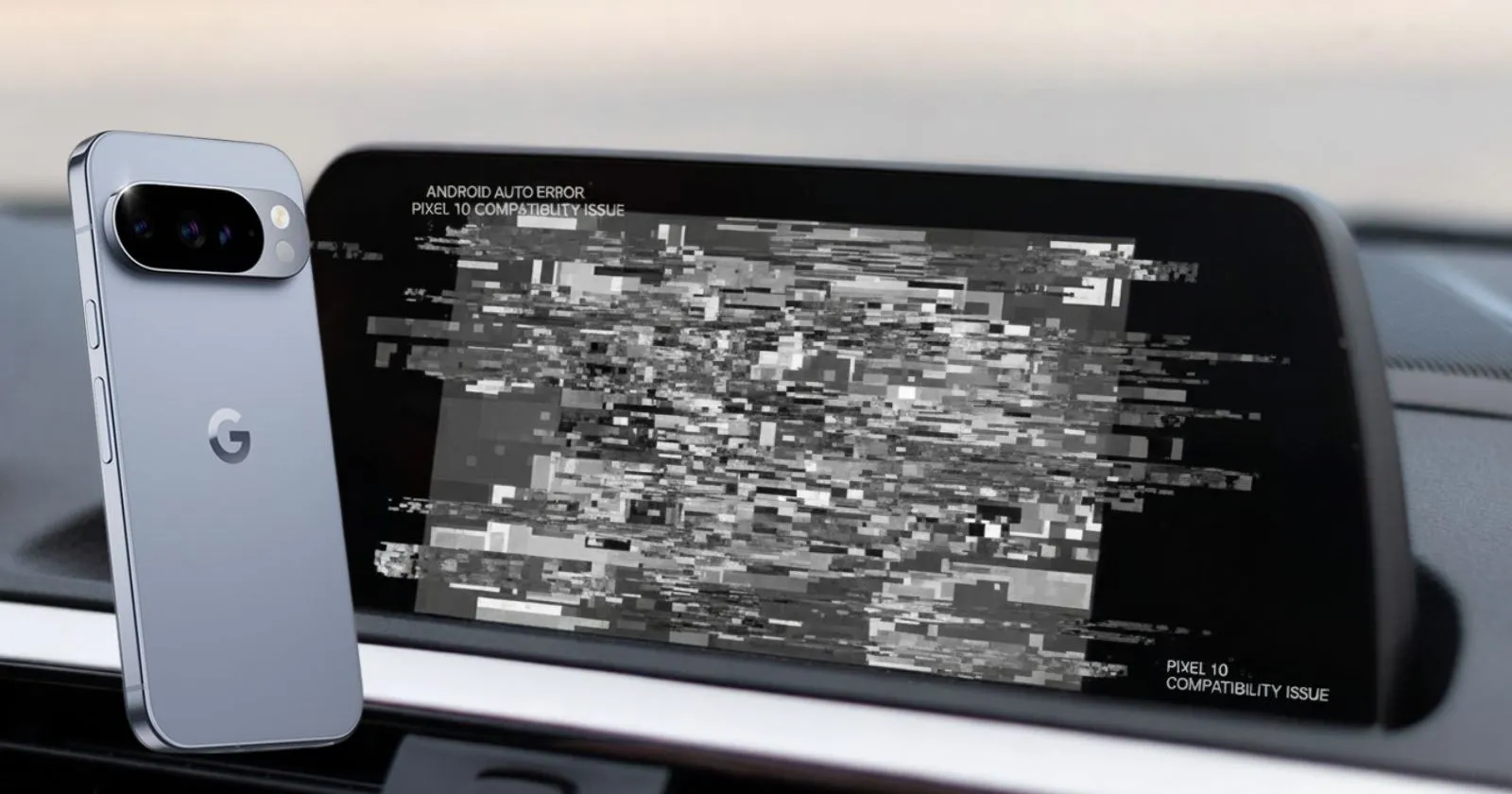
Google’s new Pixel 10 series is off to a bumpy start with Android Auto. Since launch, buyers have packed support forums with reports that the phones won’t reliably connect to in-car infotainment. A fix exists, yet many users still see the same bug!
In this article
What’s Going Wrong
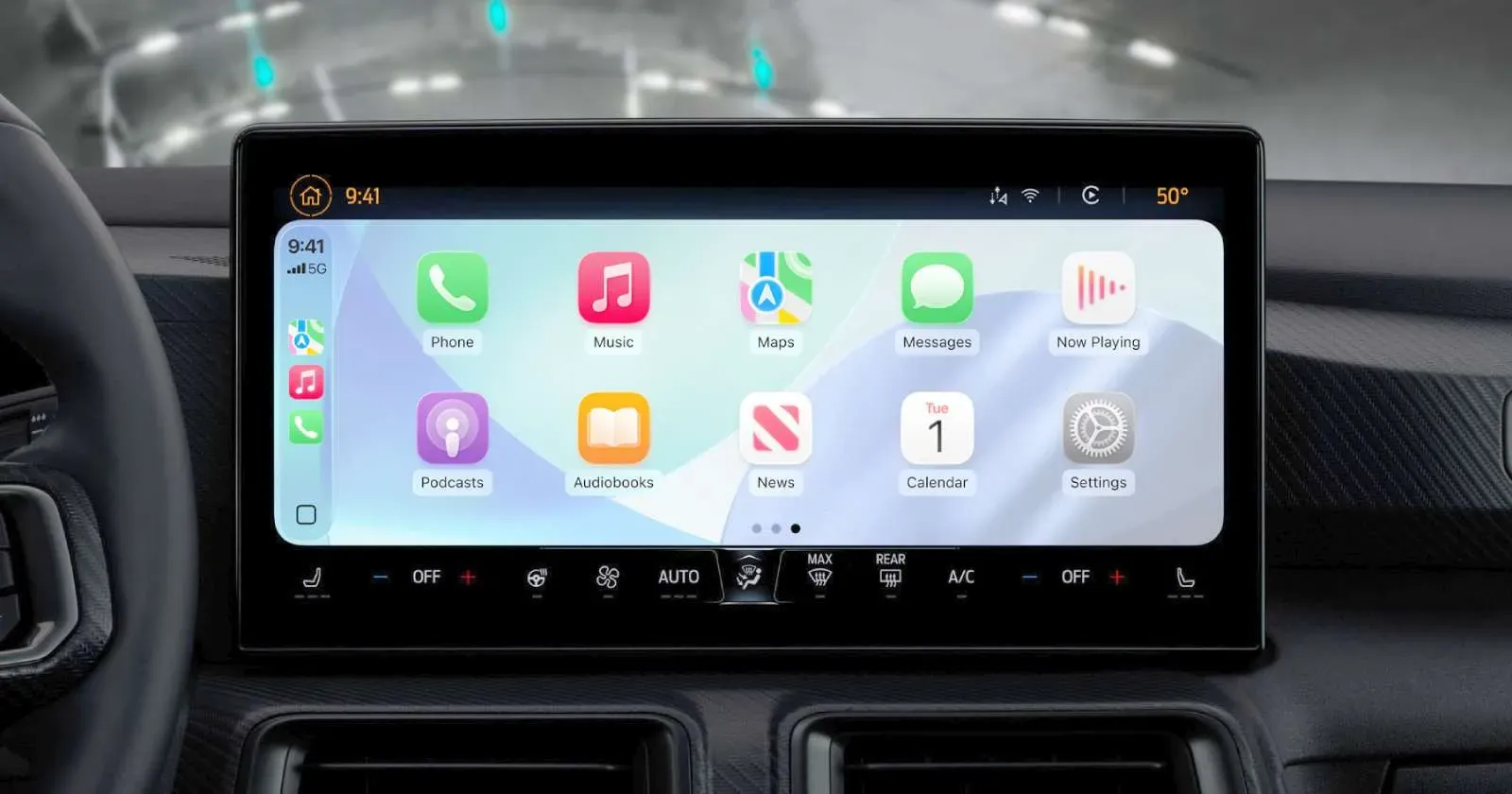
Plug a Pixel 10 into the car and, instead of Android Auto, a frozen grey screen with a watermark appears. Audio continues in the background as music and calls route normally, but the interface never loads, making navigation and Assistant unusable.
Some owners also say the phone can ignore the power button while Android Auto is active.
Google says updating to Android Auto 15.0 or later should resolve the issue. Its support team has thanked users for their patience and directed them to the update. For early adopters, version 15.1 is already in beta.
However, the patch hasn’t helped everyone. Owners of a range of vehicles have reported their screens still stalling on the loading screen post‑update. A few users, however, report recovery after updating, hinting a server‑side tweak could be rolling out unevenly.
What You Can Try Now
- Update Android Auto to 15.0 or newer; consider the 15.1 beta.
- Reboot the phone and car head unit.
- Use a high‑quality USB cable and or a different port.
- In Android Auto settings, “forget” the car and re‑pair.
These steps won’t fix the underlying bug for everyone, but they’ve helped some owners get back on the road.
Google often irons out Android Auto glitches in the weeks after a flagship launch. If you depend on it for navigation or hands‑free messaging, the wait may feel long.
For now, updating is worth a shot, but just don’t be shocked if your commute stays stuck on that grey screen.
Also read: DriveX Mobility Launches Consumer-to-Consumer Two-Wheeler Platform
About the author